
Table of Contents
The 30-Second Recruiter Rule
When a top tech firm, design agency, or architectural studio posts a job opening, they don't receive twenty applications. They receive five hundred.
Hiring managers and creative directors are drowning in submissions. They do not have time to explore complicated interactive websites, wait for password-protected Notion wikis to load, or download 80 MB ZIP archives. They want an immediate, cohesive overview of your problem-solving skills.
In fact, most recruiters spend between thirty and sixty seconds scanning an initial portfolio. If your document doesn't hook them immediately with clear project impact, high-contrast imagery, and professional layout, they close the tab and move on to the next applicant.
Why Offline PDF Portfolios Still Beat Web Links
Many junior designers ask: "Why build a PDF when I already have a personal portfolio website?"
A website is great for casual discovery. But in corporate hiring pipelines, your application passes through an Applicant Tracking System (ATS). Recruiters download candidate materials and circulate them internally to interview panels. An offline PDF portfolio:
- Never suffers broken links or slow servers: If your web hosting goes down during the hiring review meeting, an offline PDF still opens instantly.
- Preserves your typography and grid: Web browsers render fonts and layouts differently across operating systems. A PDF locks in your margins, font sizes, and image alignment permanently.
- Easy to circulate and annotate: Executive hiring teams attach candidate PDFs directly to calendar invite threads for interview prep.
Curating Your Strongest 5 to 7 Case Studies
The most common portfolio mistake is including everything you have ever designed since college. When you include twelve mediocre projects alongside two brilliant ones, reviewers judge you by your weakest work.
Curate ruthlessly:
- The Hook (Page 1–2): Open with your single most impressive project. Lead with the final visual solution, not endless wireframe doodles.
- The Breadth (Pages 3–6): Showcase 3 or 4 varied case studies demonstrating technical range—for example, a mobile app interface, a design system architecture, and an enterprise dashboard.
- The Outcome (Every Page): Always include concrete business impact. Did your redesign boost checkout conversion by 14%? Did it save 20 hours of customer support time per week? Put those numbers in bold.
Formatting for Modern Laptop and Desktop Displays
Hiring teams review portfolios on 14-inch MacBooks, 27-inch monitors, and iPad screens. That makes Landscape orientation the undisputed standard for creative decks.
If you send a vertical portrait document, reviewers have to constantly scroll up and down on each page to see your mockups. In landscape orientation, each page fills the widescreen monitor naturally like a presentation slide.
Pay attention to image compression. If your portfolio contains UI mockups and code screenshots, use our PNG to PDF converter to keep small UI labels and button text razor-sharp. For photographic shoots or real-world industrial prototypes, our JPG converter will keep overall file sizes manageable.
Typography and Visual Hierarchy That Keeps Reviewers Reading
When creative directors open your PDF deck, their eyes scan in an F-shaped pattern: top-left title, quick scan of the central hero mockup, and a glance down toward measurable results.
To make your case studies effortless to digest:
- Enforce Large Headings (28pt+): Never force a hiring manager to squint. Use bold, clear 28pt to 36pt slide titles that communicate the core achievement immediately (e.g., "Redesigning Enterprise Checkout: +22% Mobile Conversions").
- Limit Body Copy to Short Paragraphs: Long blocks of 10pt text never get read in portfolio decks. Write concise 2-sentence callouts paired with clear visual captions.
- Use High-Contrast Visual Annotations: Place subtle callout badges or numbered pins directly on your UI mockups to guide the reviewer's eyes toward your specific design decisions.
Compiling Clean PDF Portfolios in Your Browser
As a hiring director reviewing over 200 portfolio submissions each quarter, I tracked what made design leads open a PDF rather than skipping to the next candidate. The applicants who advanced to interview rounds consistently submitted landscape PDFs under 10 MB with 5 to 8 focused slides. By contrast, applicants who sent massive 45 MB files frequently had their emails rejected by corporate server quotas before I even saw them.
You can assemble your slides in Figma, Keynote, or Illustrator, export each board as high-resolution images, and merge them into an organized portfolio using our Images to PDF workspace.
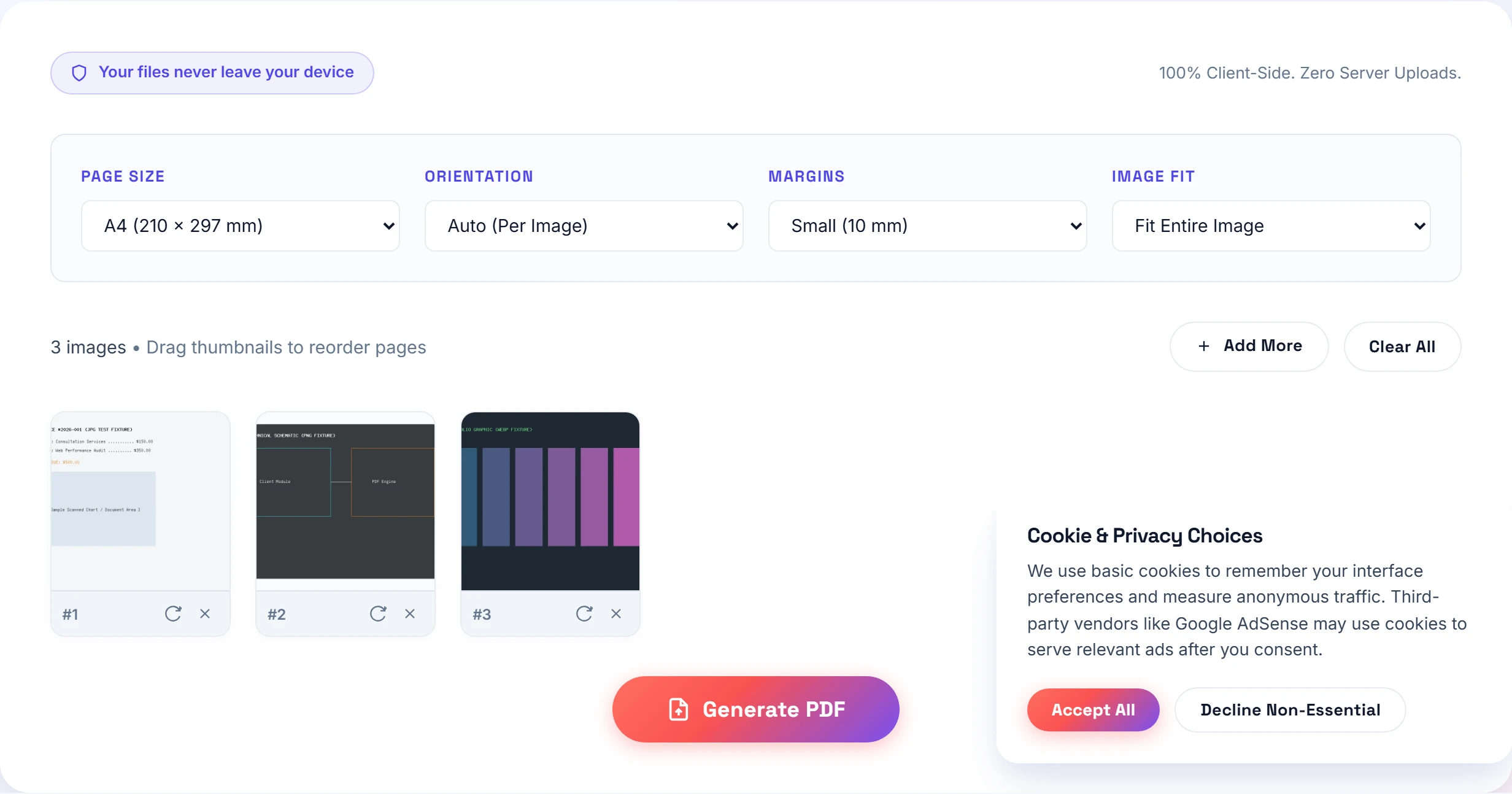
Our tool allows you to drag slides into sequence, choose A4 Landscape or US Letter Landscape, apply uniform 10 mm margins, and compile your master deck in seconds with complete privacy. Check out our converter hub for more resolution and DPI tips.
Frequently Asked Questions
Keep your portfolio between 5 MB and 10 MB. Anything over 15 MB frequently bounces off corporate applicant tracking systems and hiring manager inboxes.
Landscape orientation (16:9 or standard A4 Landscape) is overwhelmingly preferred because design directors and recruiters review portfolios on wide desktop monitors and laptop screens.
Include 4 to 6 of your absolute strongest case studies. Curate ruthlessly; recruiters spend an average of 45 to 60 seconds reviewing initial submissions.
Practical Takeaway
Build your portfolio in landscape orientation, cap it at 6 stellar projects, and keep the file size under 10 MB. You will make it effortless for busy hiring managers to review your work and invite you to the interview room.